
▶
App Store preview video
Drop a screen recording into a device frame and export a spec-correct H.264 preview video at 886×1920. Rendering runs on our servers, so even a 30-second clip is done in about a minute and a half.
App Store & Google Play screenshot studio
Compose your app screens on a real 3D stage, export App Store preview videos, and ship captions in every language you sell in — all at exact store dimensions, straight from the browser.
No install · Free tier, no credit card · 1x export free
The studio
Pick a device, drop in a screen, rotate it on the stage, type your headline. The whole listing is built in a single view.
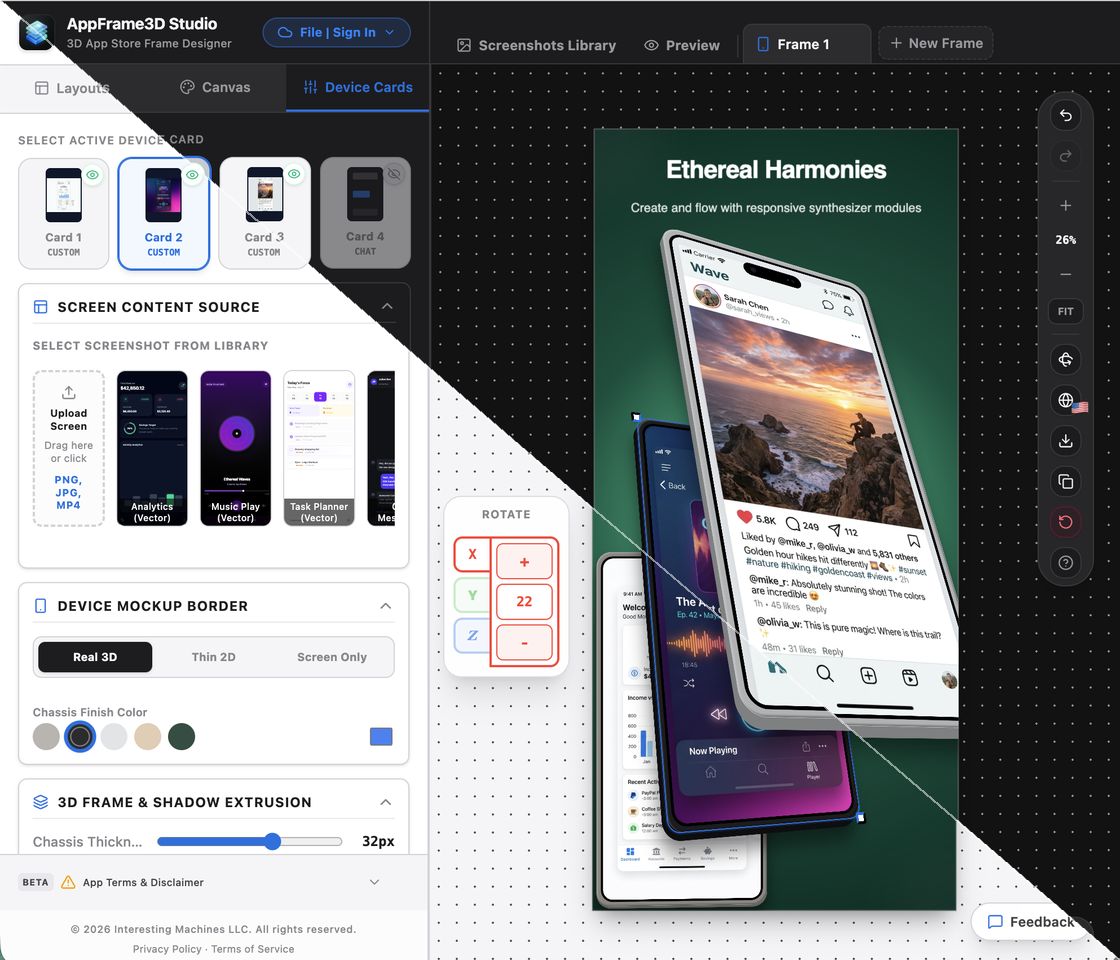
The editor, unretouched — device cards, screen sources, 3D frame controls and the live canvas. Stitched along the diagonal: the same project in dark above, light below.
What makes it different
Composition, motion and translation usually mean three tools and three exports. Here they are one project.
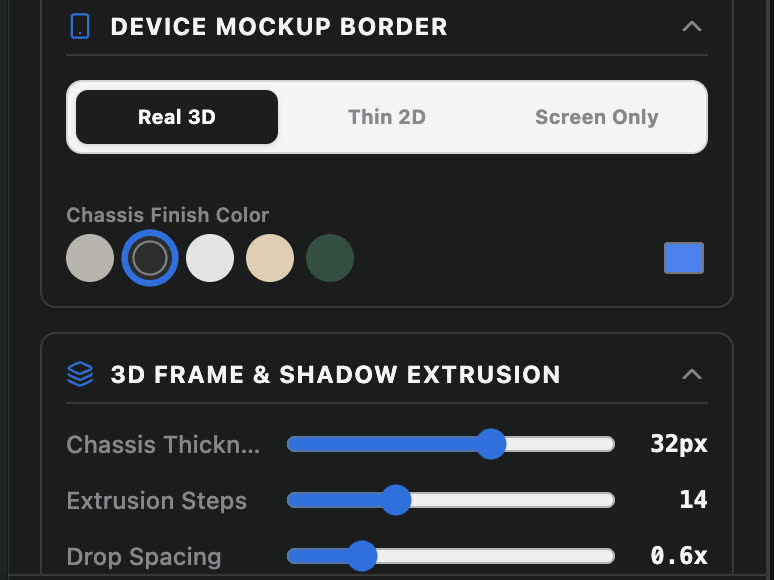
Most tools give you a flat PNG of a phone. Here the device is a real object on a stage: rotate it on X, Y and Z, set the chassis thickness, and extrude a genuine shadow behind it.
App Store Connect rejects a listing whose files are a few pixels off. Start on the right canvas instead: 17 device presets across iPhone, iPad, Android and Play Store, including the current flagships.
1290×2796 · 1206×2622 · 1179×25562064×2752 · 2048×2732 · 1668×23881440×3120 · 1344×2992 and Play Store sizes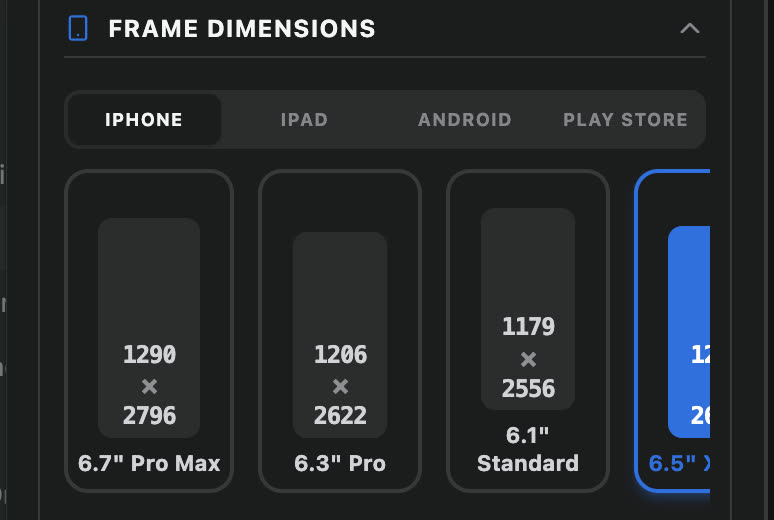
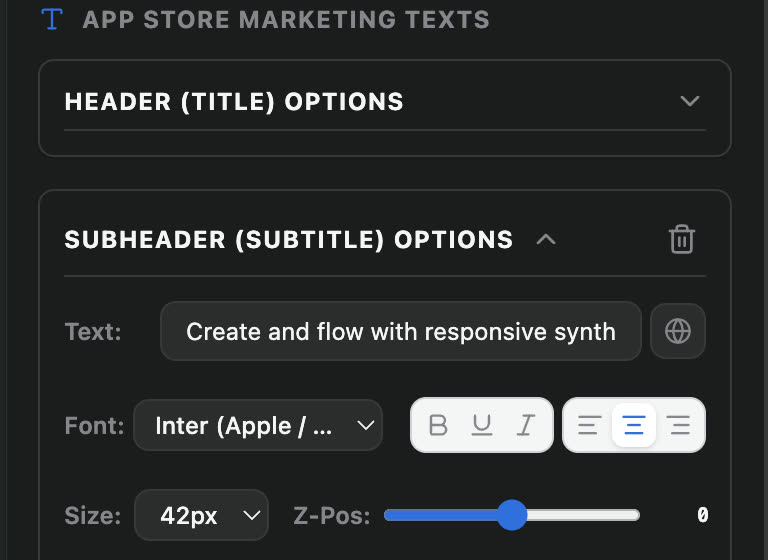
Captions are keyed to App Store Connect locale codes with base-locale fallback, so a single layout serves your whole storefront. Translate with one click, then export a correctly named set per language.
Drop a screen recording into a device frame and export a spec-correct H.264 preview video at 886×1920. Rendering runs on our servers, so even a 30-second clip is done in about a minute and a half.
Export any frame at 1x, 2x or 3x, or download a whole listing as a ZIP with files named and ordered per locale. High-resolution renders run server-side for consistent output.
The whole studio is designed twice. Work in whichever theme suits the room — your exports are identical either way.
Listing preview
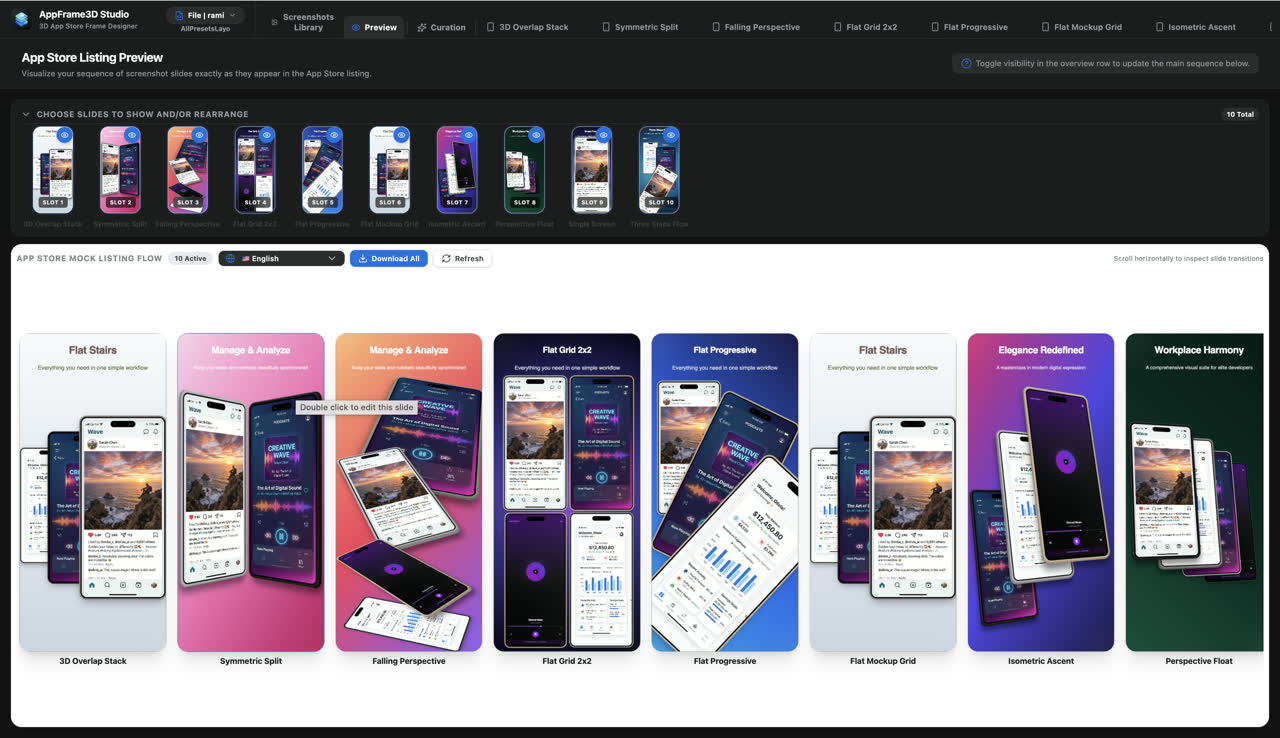
Screenshots are judged as a sequence, not one at a time. Lay the full slide flow out the way a shopper scrolls it, reorder it, switch locale, then export the set in one go.
Templates
Every template comes in phone and tablet variants and stays fully editable — swap your screens, rewrite the captions, move the devices.
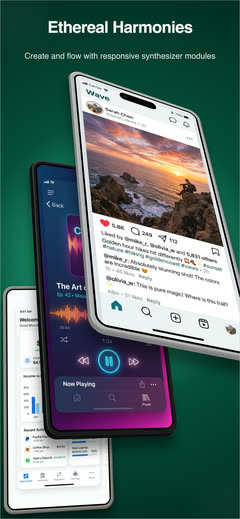
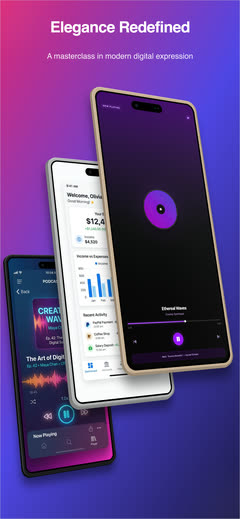
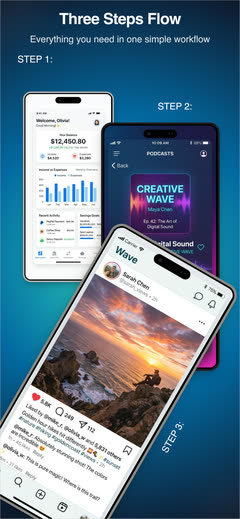
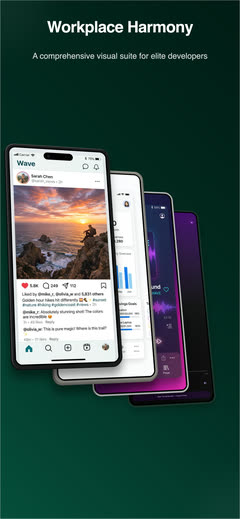
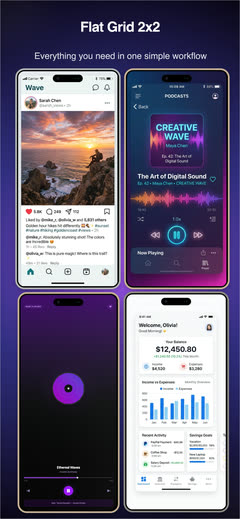
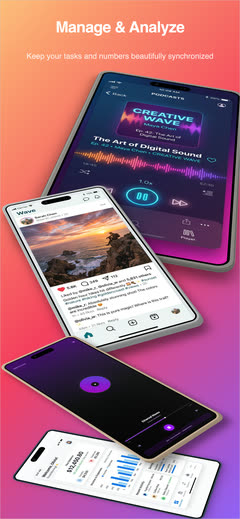
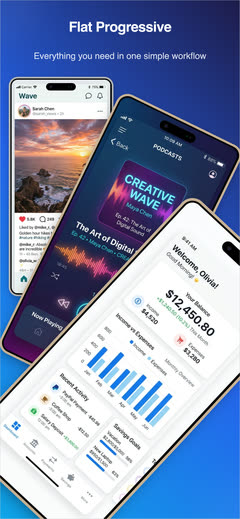
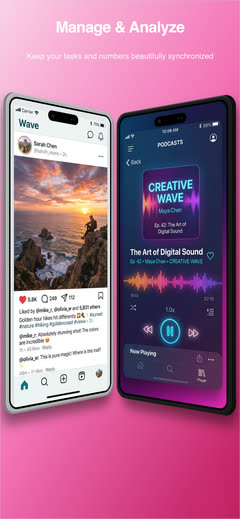
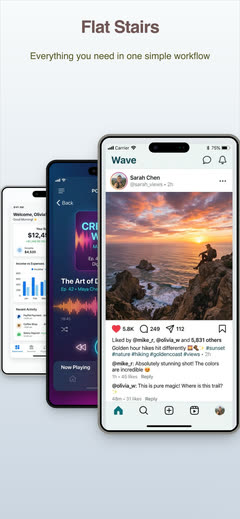
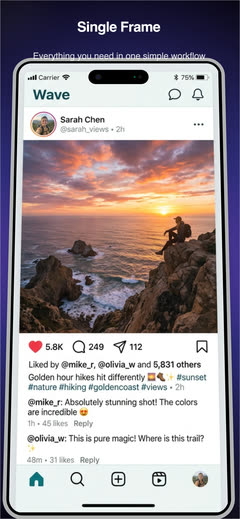
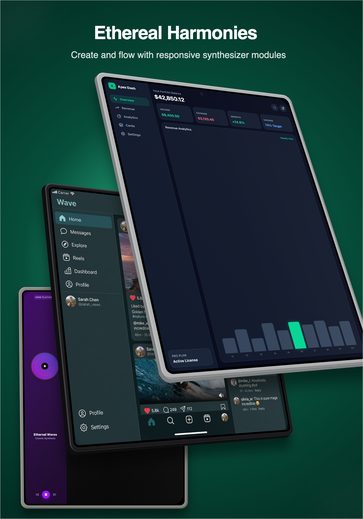
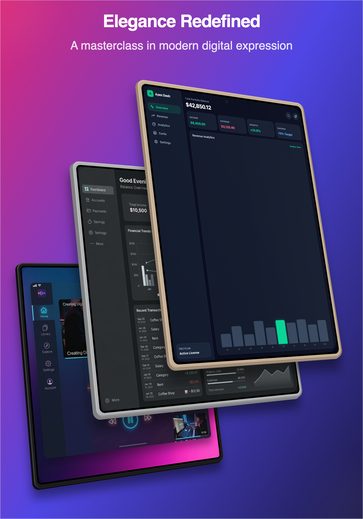
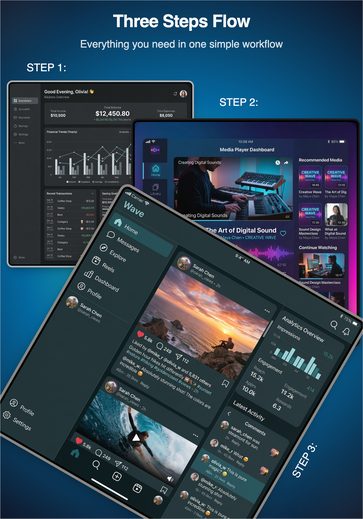
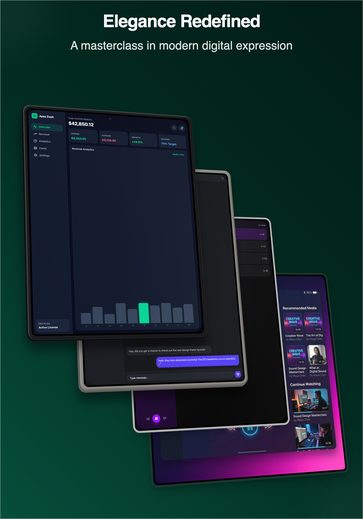
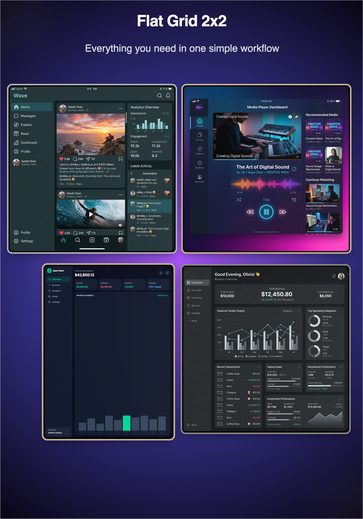
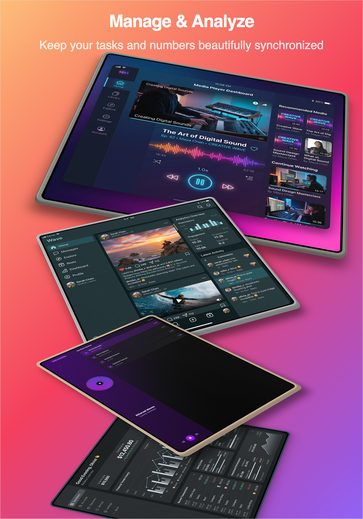
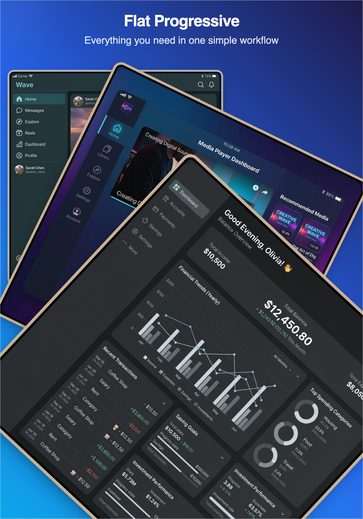
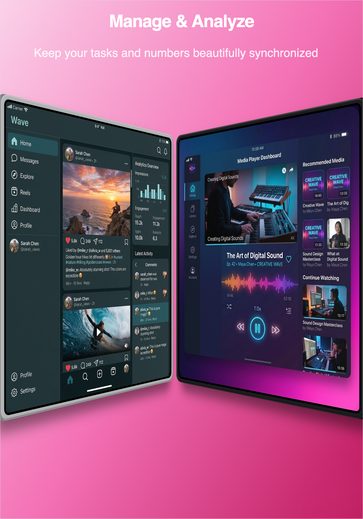
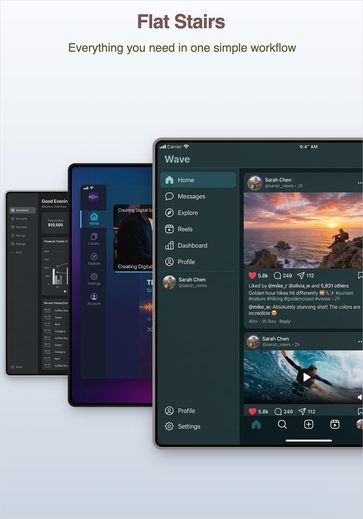
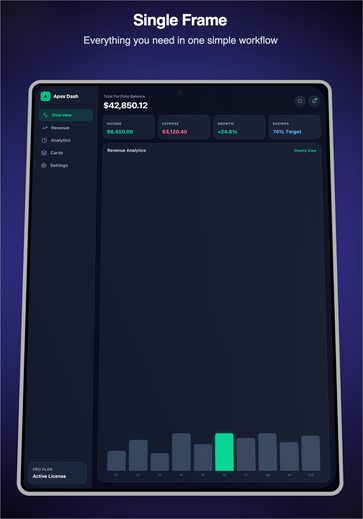
10 layouts per device — drag, scroll sideways or use the arrows
How it works
Drop in screenshots or a screen recording. Images are compressed in your browser before they reach the cloud, so projects stay small and fast.
Pick a template, arrange devices on the 3D stage, and write your headlines. Add every locale you sell in and translate them in one click.
Download the full set as a ZIP at store dimensions, or render an H.264 preview video — then upload straight to App Store Connect or Play Console.
Pricing
Every plan includes the full 3D editor, all templates and every localization feature. Paid plans unlock high-resolution export, preview video and more room to work.
Great for trying AppFrame3D and designing a single listing.
For solo developers publishing apps and updates regularly.
Built for studios and agencies running many listings at once.
Questions
App Store Connect accepts specific pixel dimensions per device class, and a listing is rejected if the files do not match. AppFrame3D ships 17 correctly sized canvases so you design at the right size instead of resizing afterwards and hoping — iPhone 1290 × 2796 (6.7" Pro Max), 1206 × 2622 (6.3" Pro), 1179 × 2556 (6.1"), 1242 × 2688 and 1242 × 2208; iPad 2064 × 2752, 2048 × 2732, 1668 × 2388, 1640 × 2360 and 1620 × 2160; plus Android and Play Store sizes.
Yes. Place a screen recording inside a device frame and export an H.264 886 × 1920 MP4 encoded for App Store Connect. Rendering happens on our servers, so even a 30-second preview finishes in about a minute and a half. Preview video is available on Pro (up to 10 seconds) and Ultra (up to 60 seconds).
Captions are stored per App Store Connect locale code with base-locale fallback, so one layout serves every language. Write your headline once, add the locales you sell in, and translate them with one click — then export a separate, correctly named set per language.
No. AppFrame3D runs entirely in the browser. Projects sync to your account and autosave as you work, and you can import or export a project as a ZIP at any time.
Yes. Android device frames and Play Store canvas sizes sit alongside iPhone and iPad, so you can produce assets for both stores from one project.
Yes, and no credit card is required. The free plan includes the full 3D editor, every template, all localization features and 1x PNG export — enough to design and export a complete single listing. Paid plans add high-resolution export, preview video and more storage.
AppFrame3D Studio is built and operated by Interesting Machines LLC.
Open the studio and have a finished set of store screenshots before your coffee goes cold.